What Onjo does.
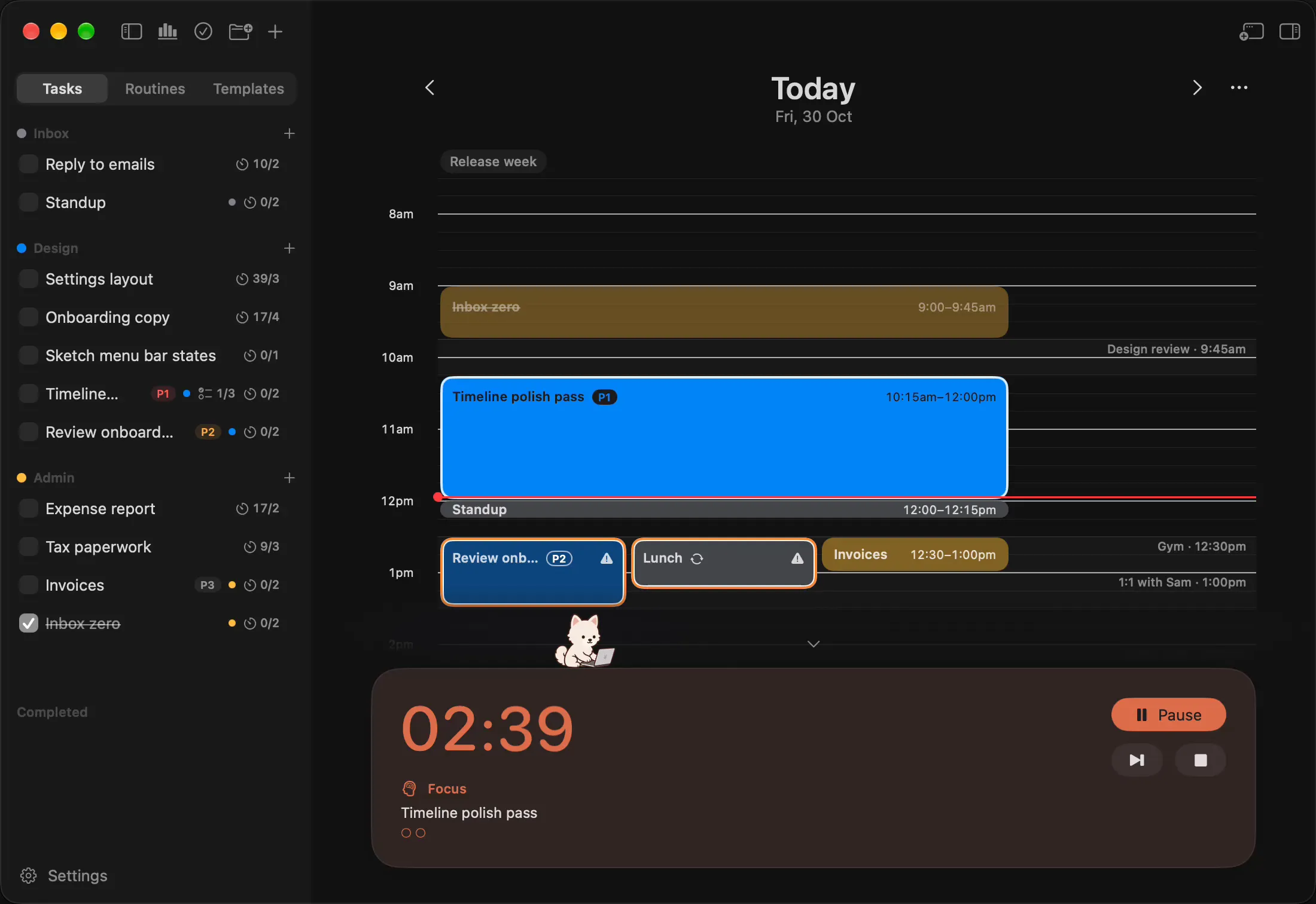
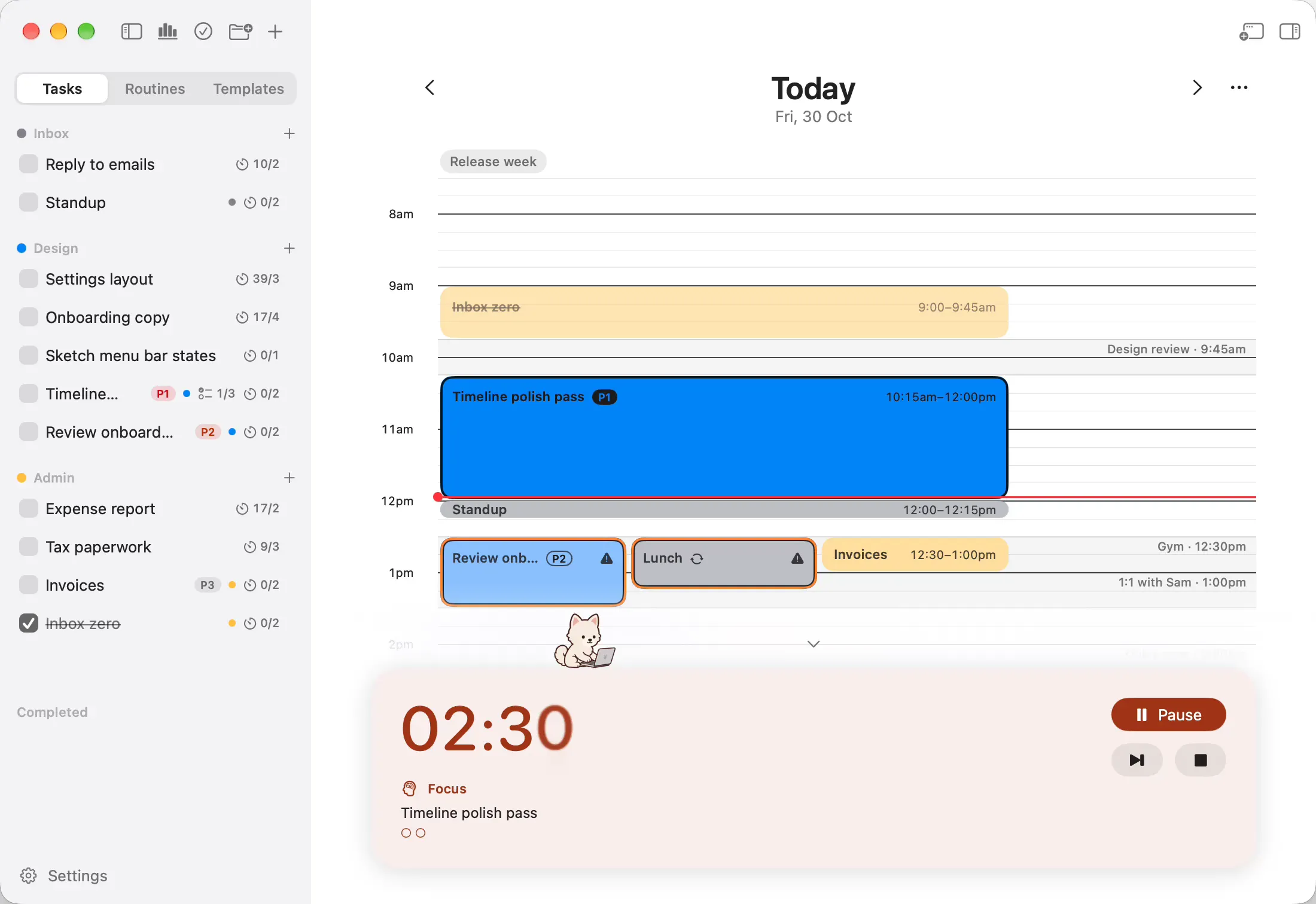
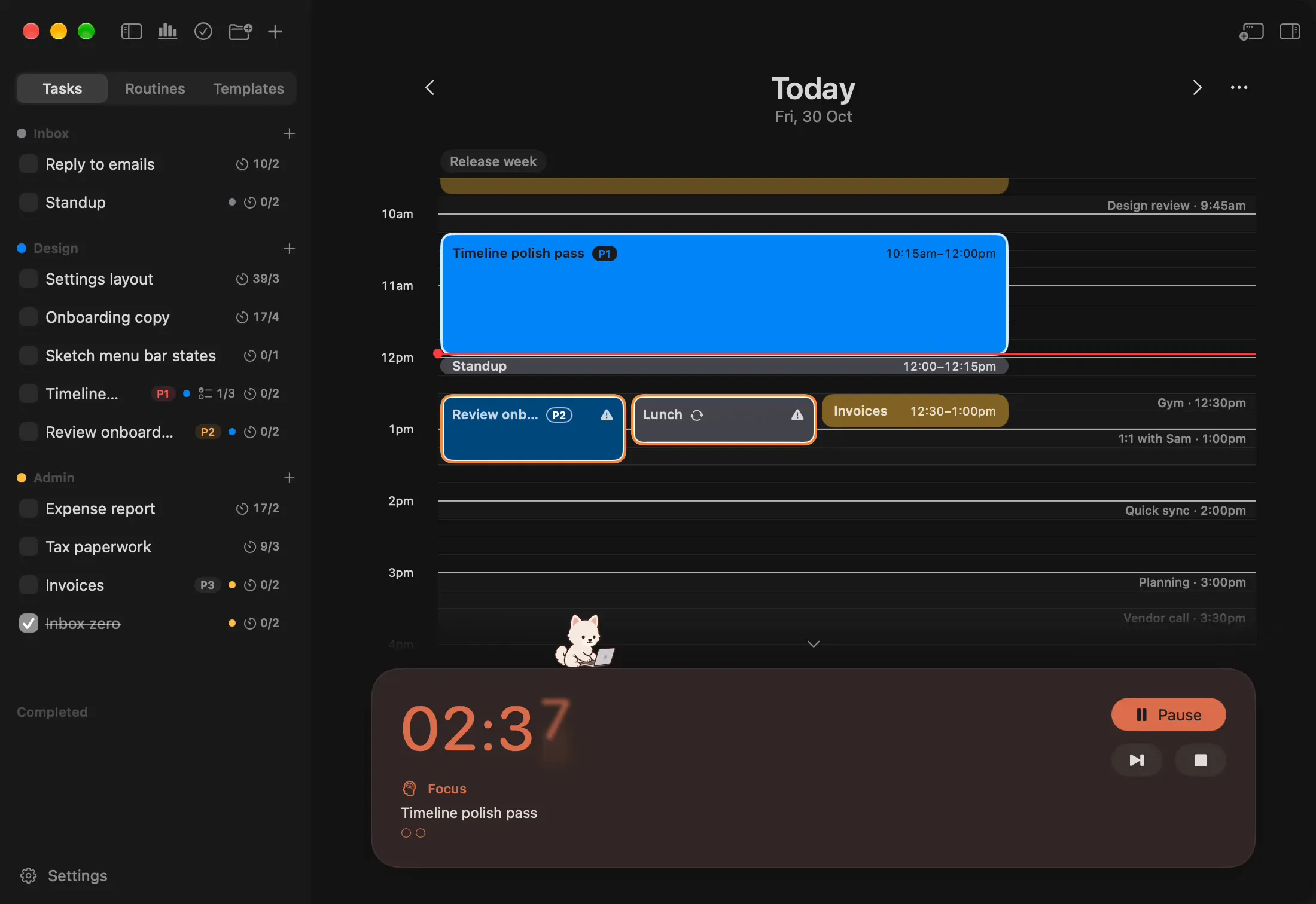
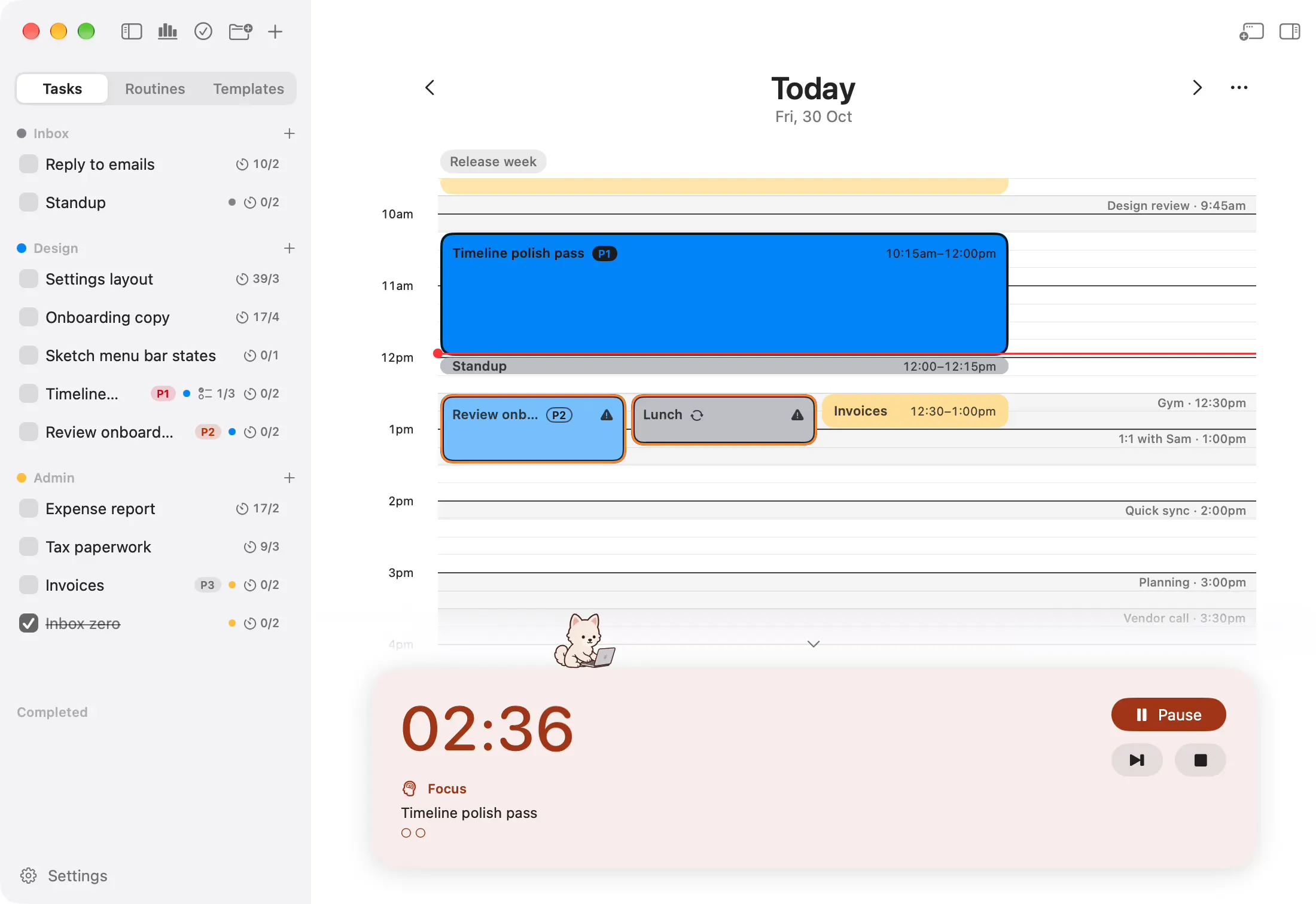
Your plan and your focus timer, on one timeline. Plan the day in blocks, then focus through them one at a time.
Free features
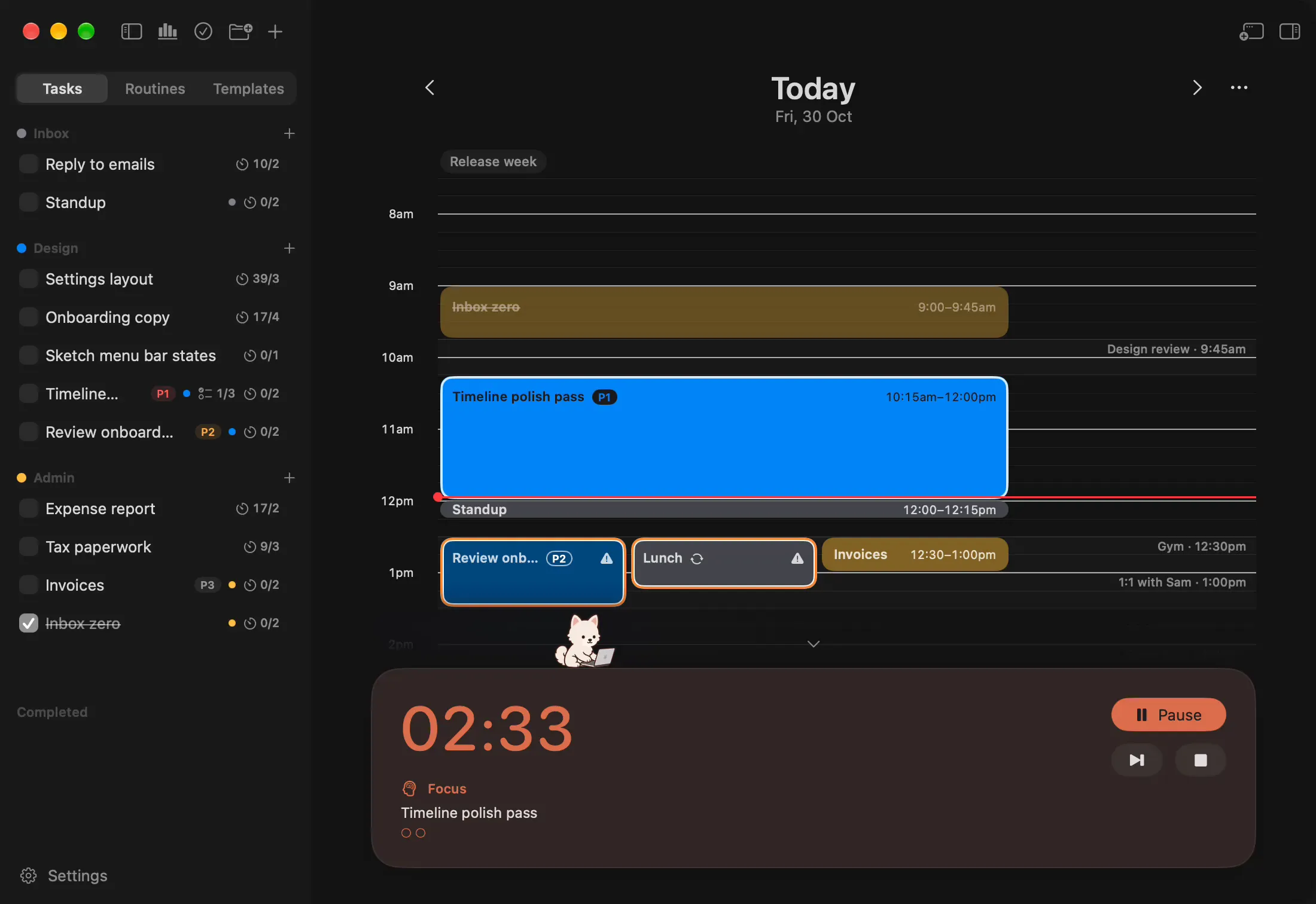
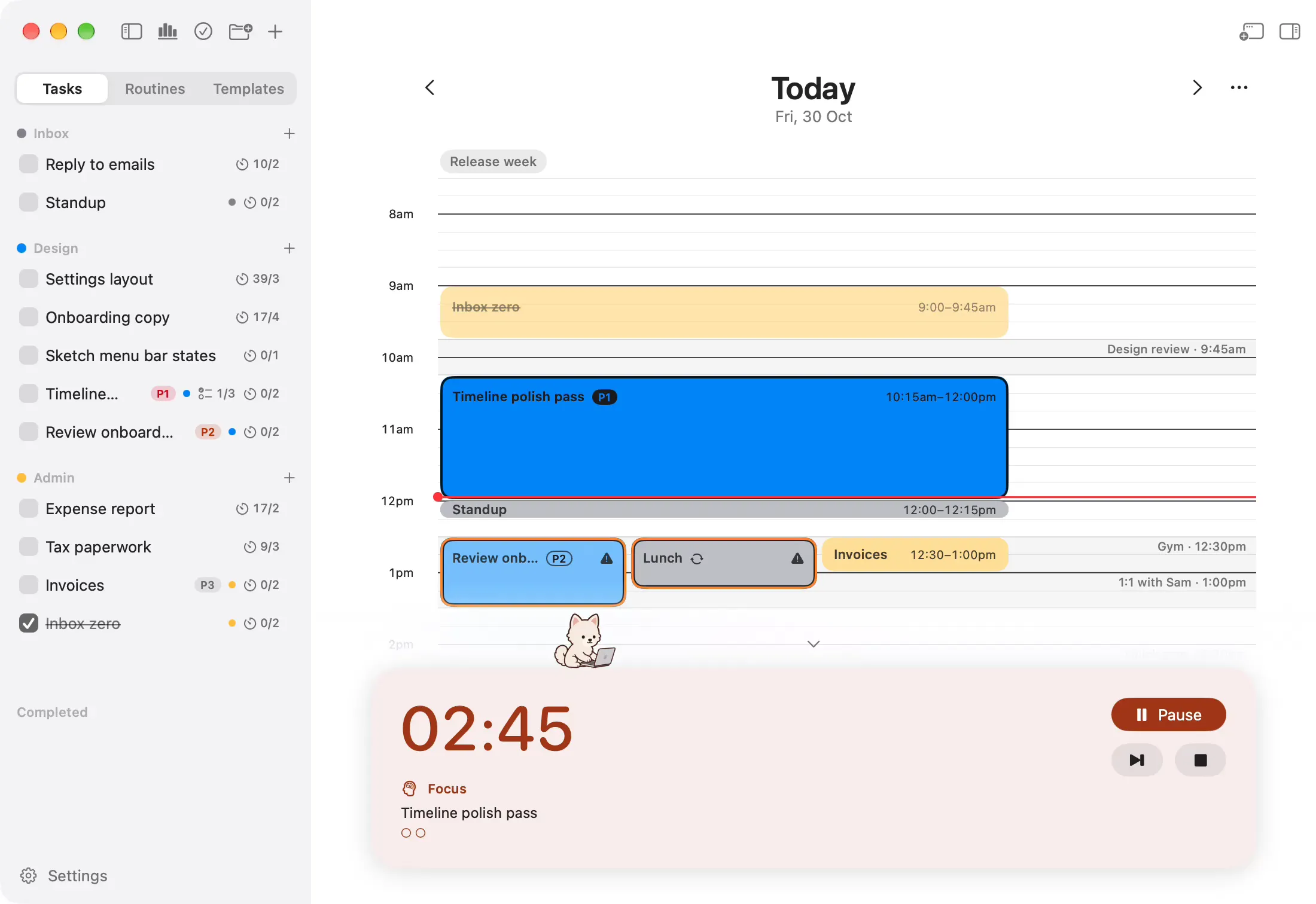
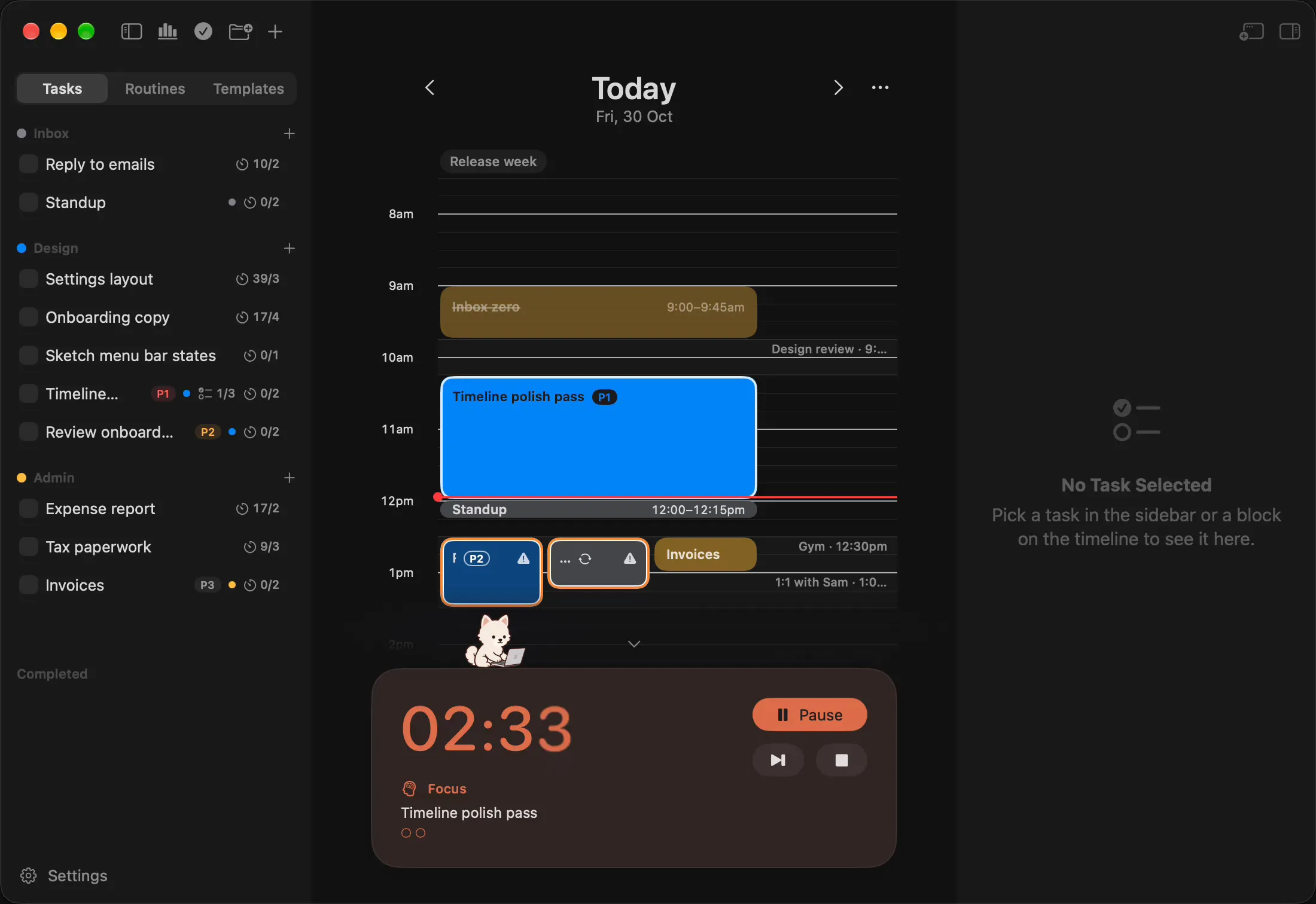
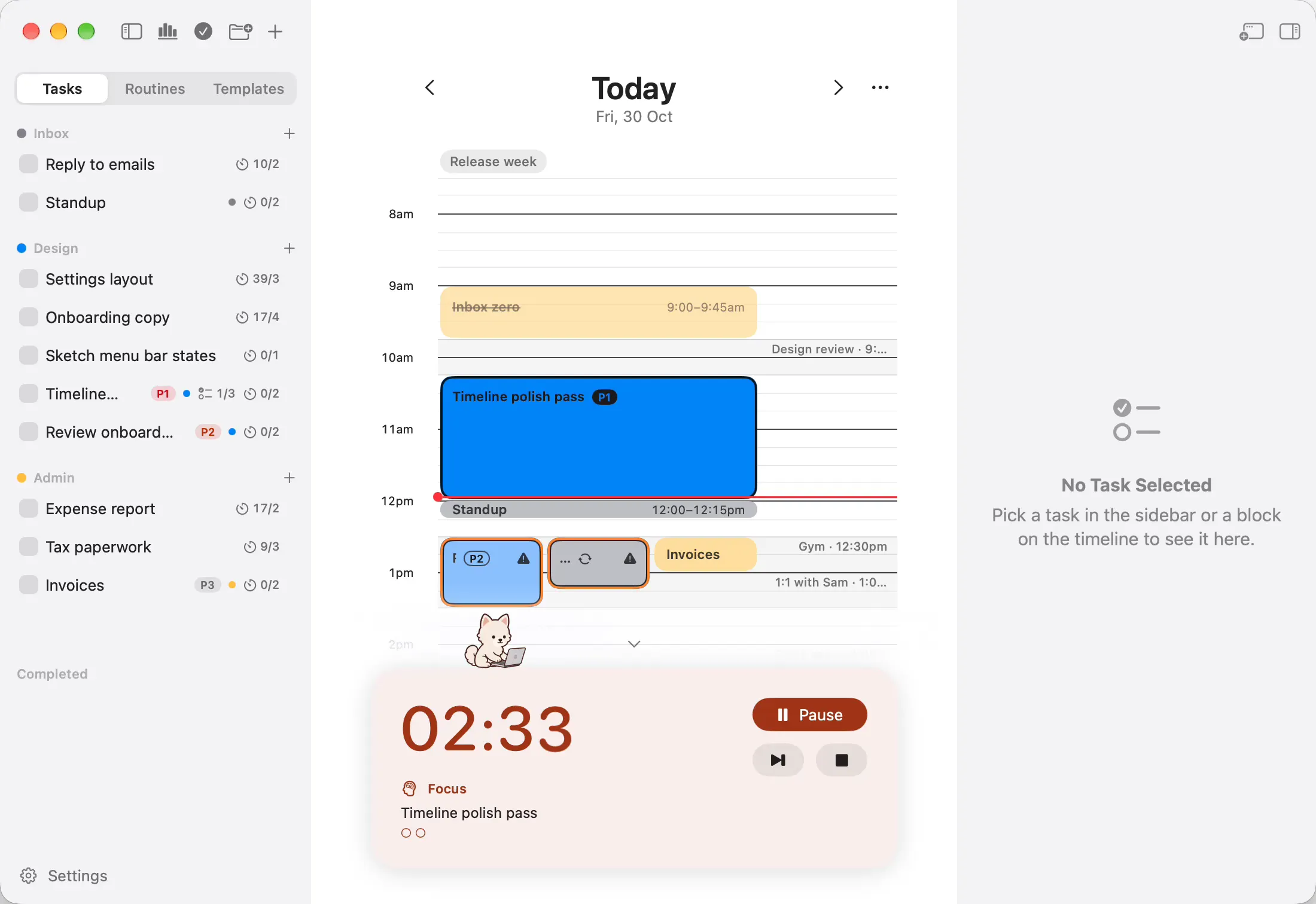
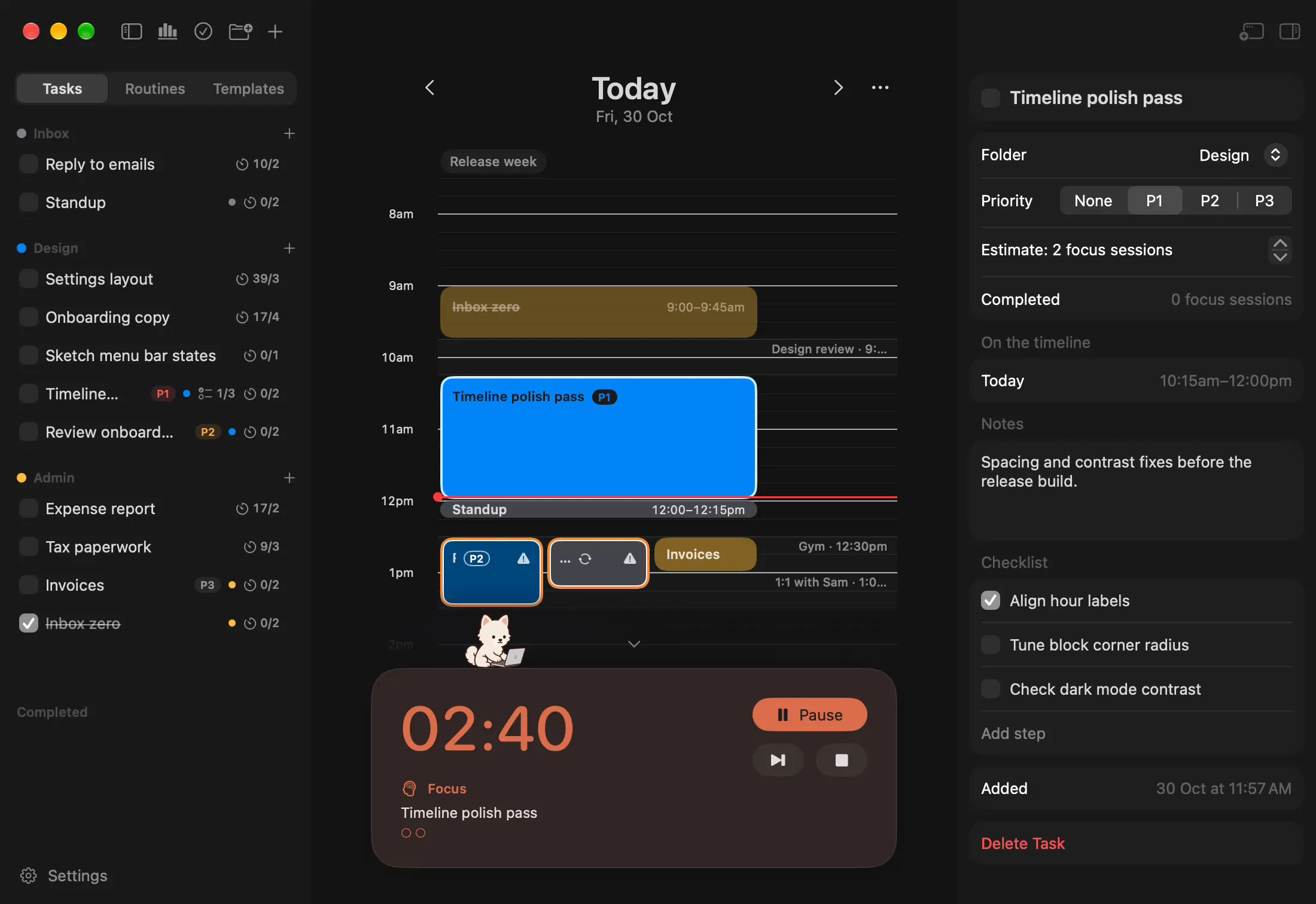
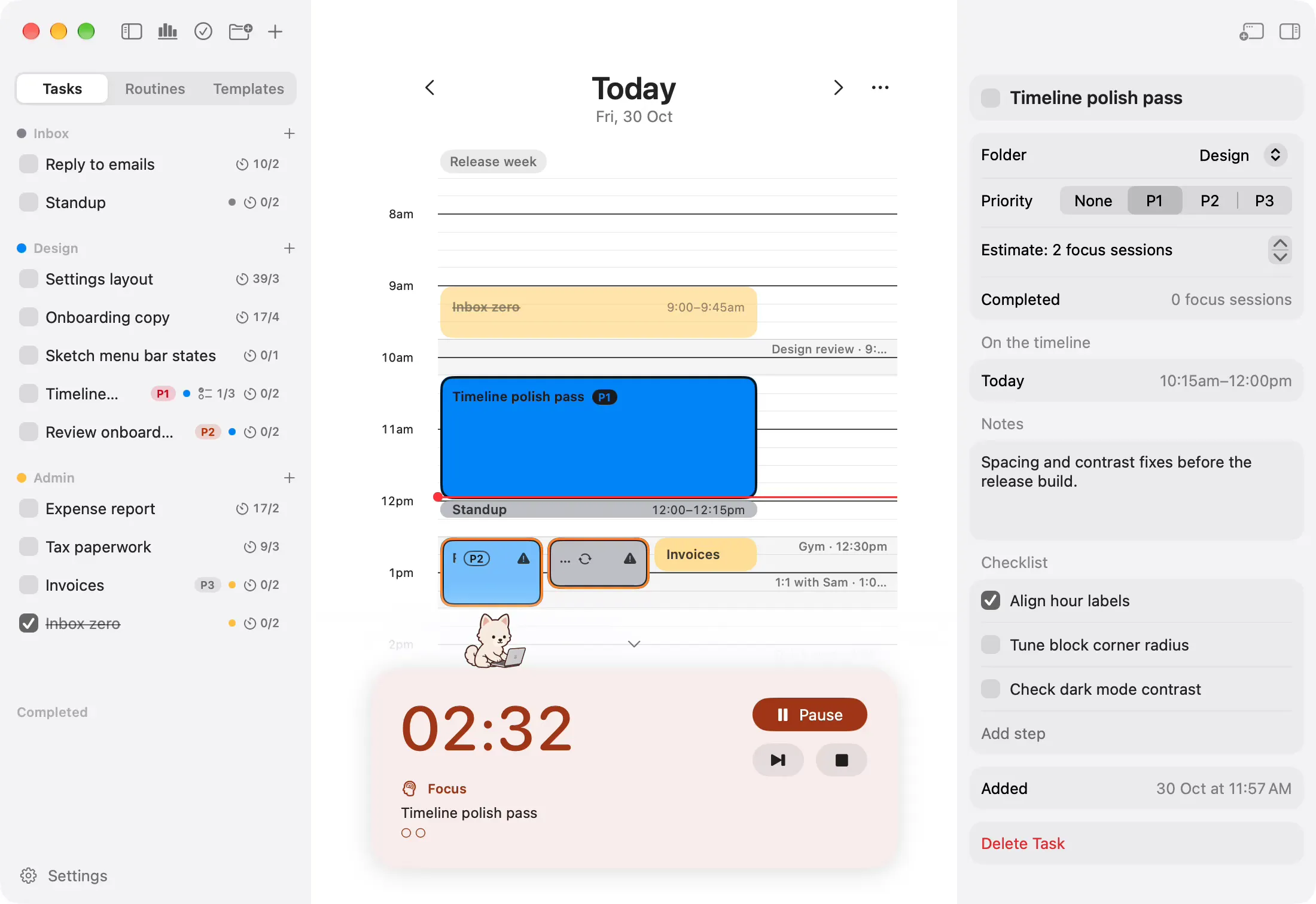
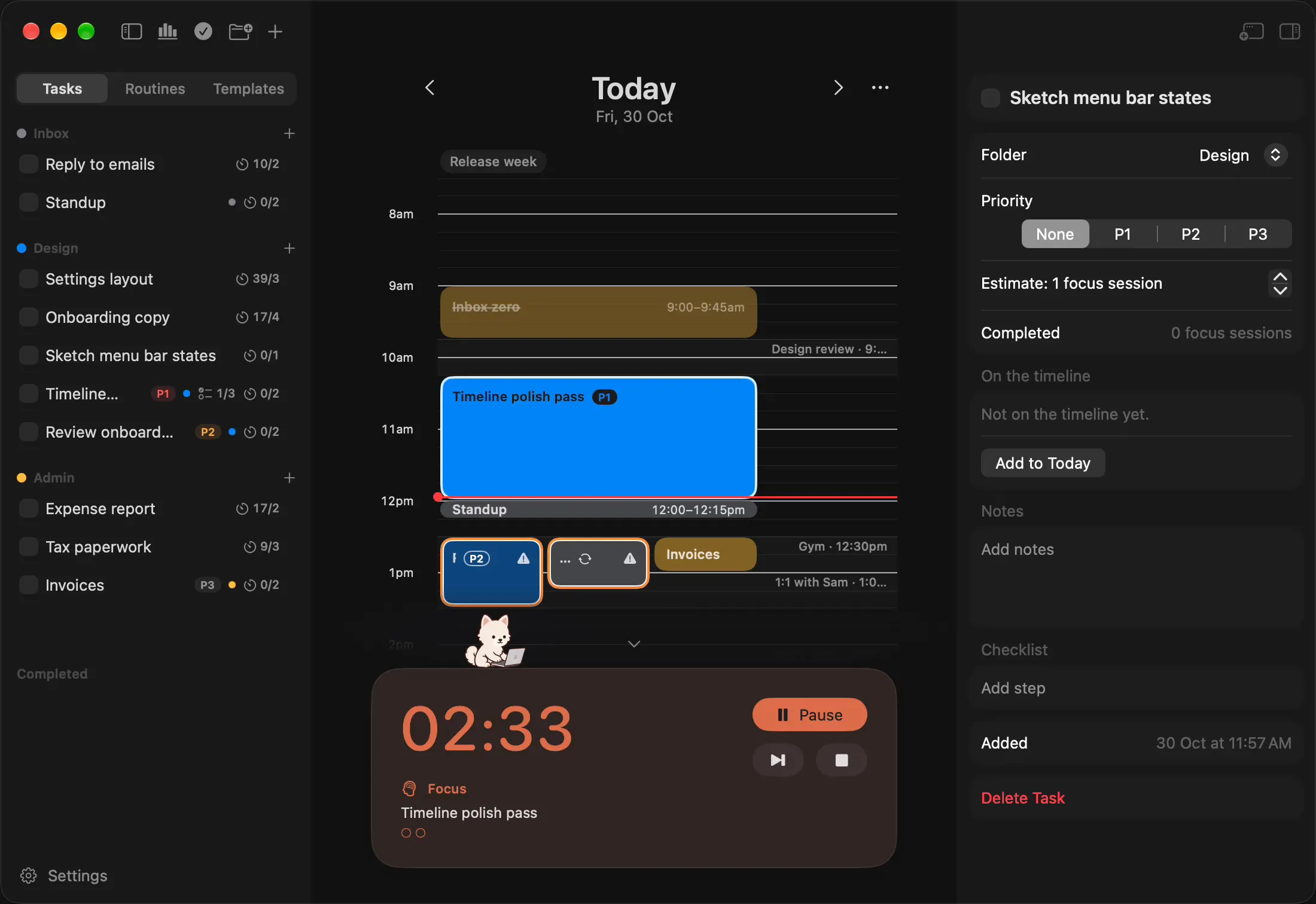
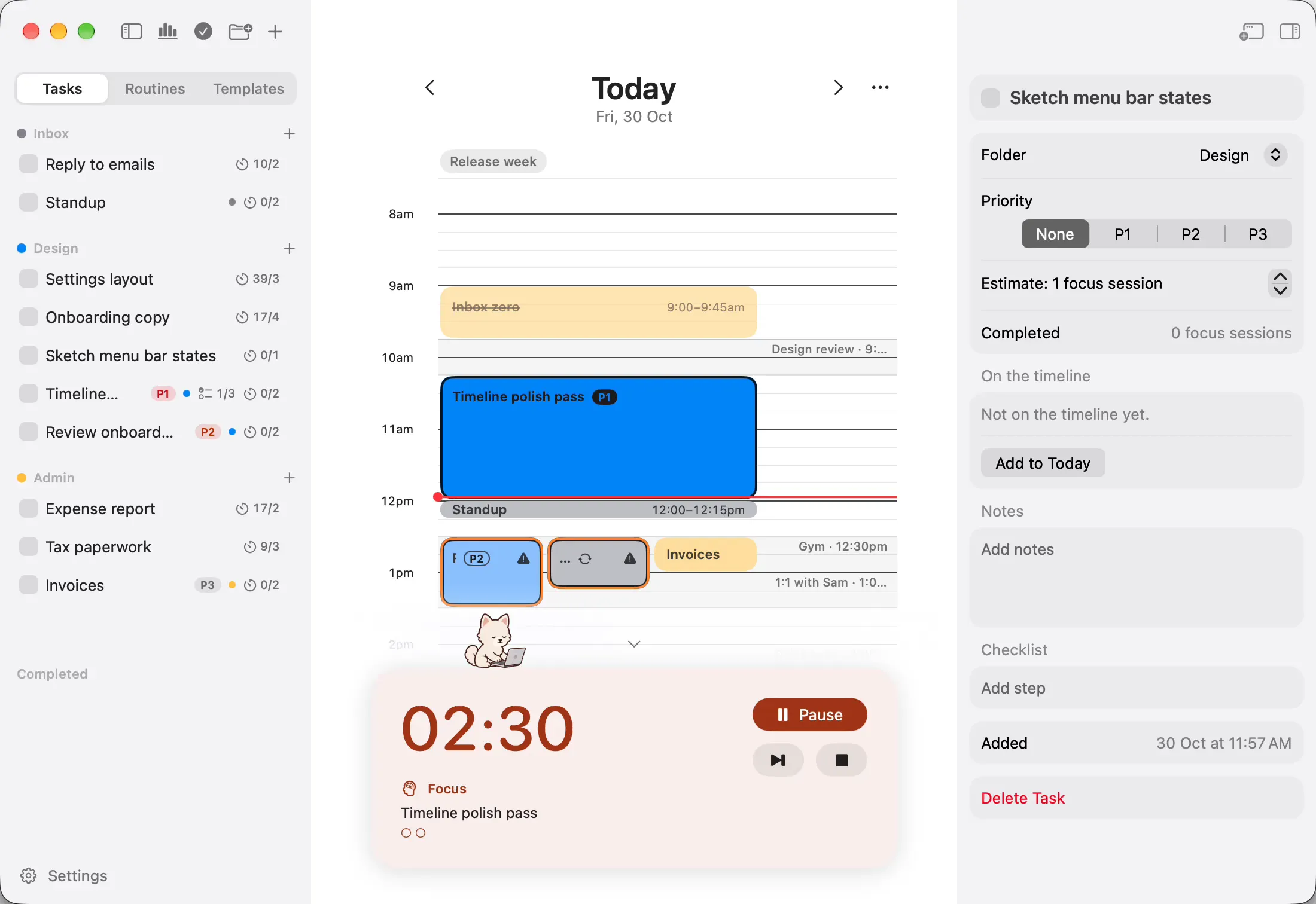
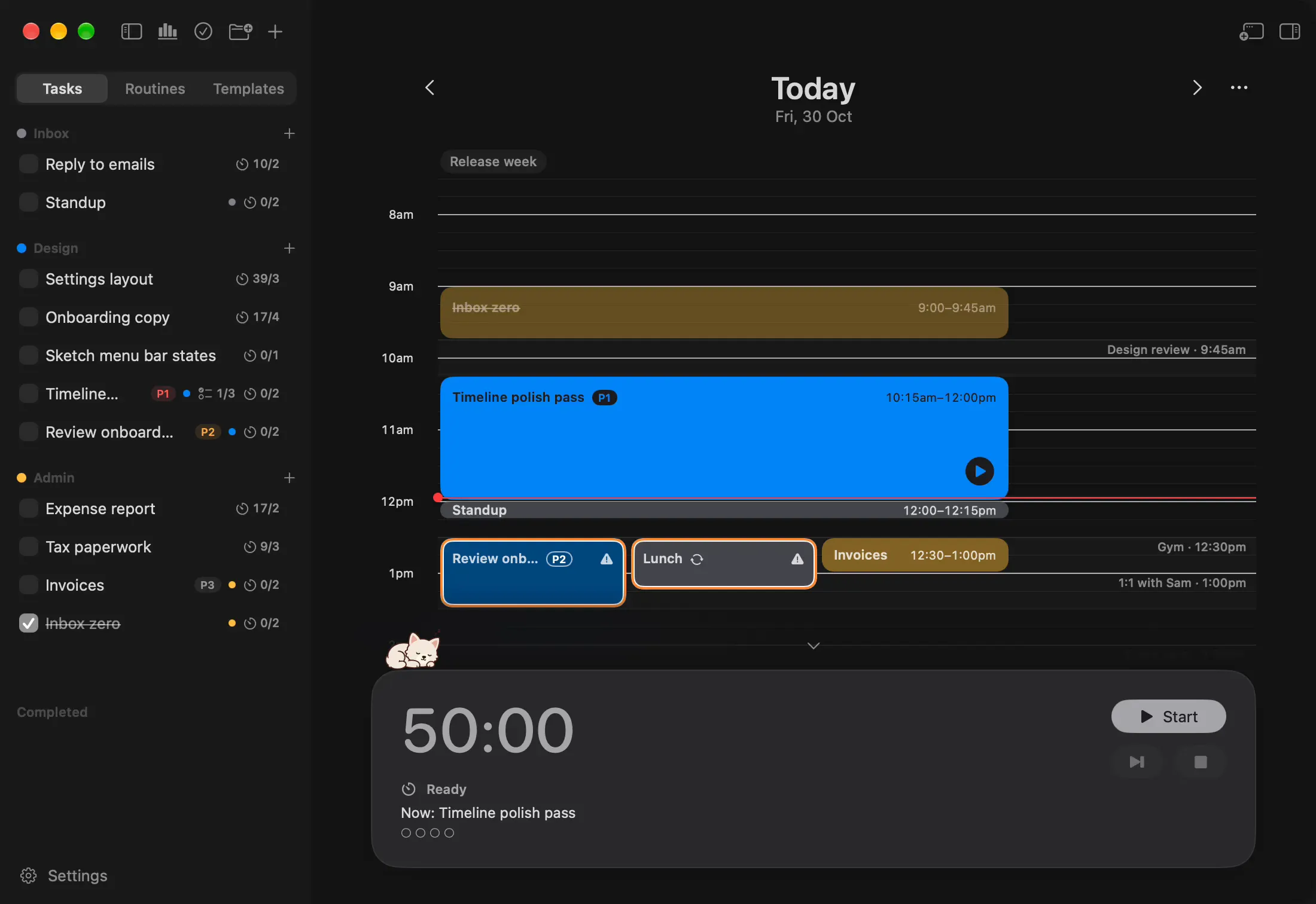
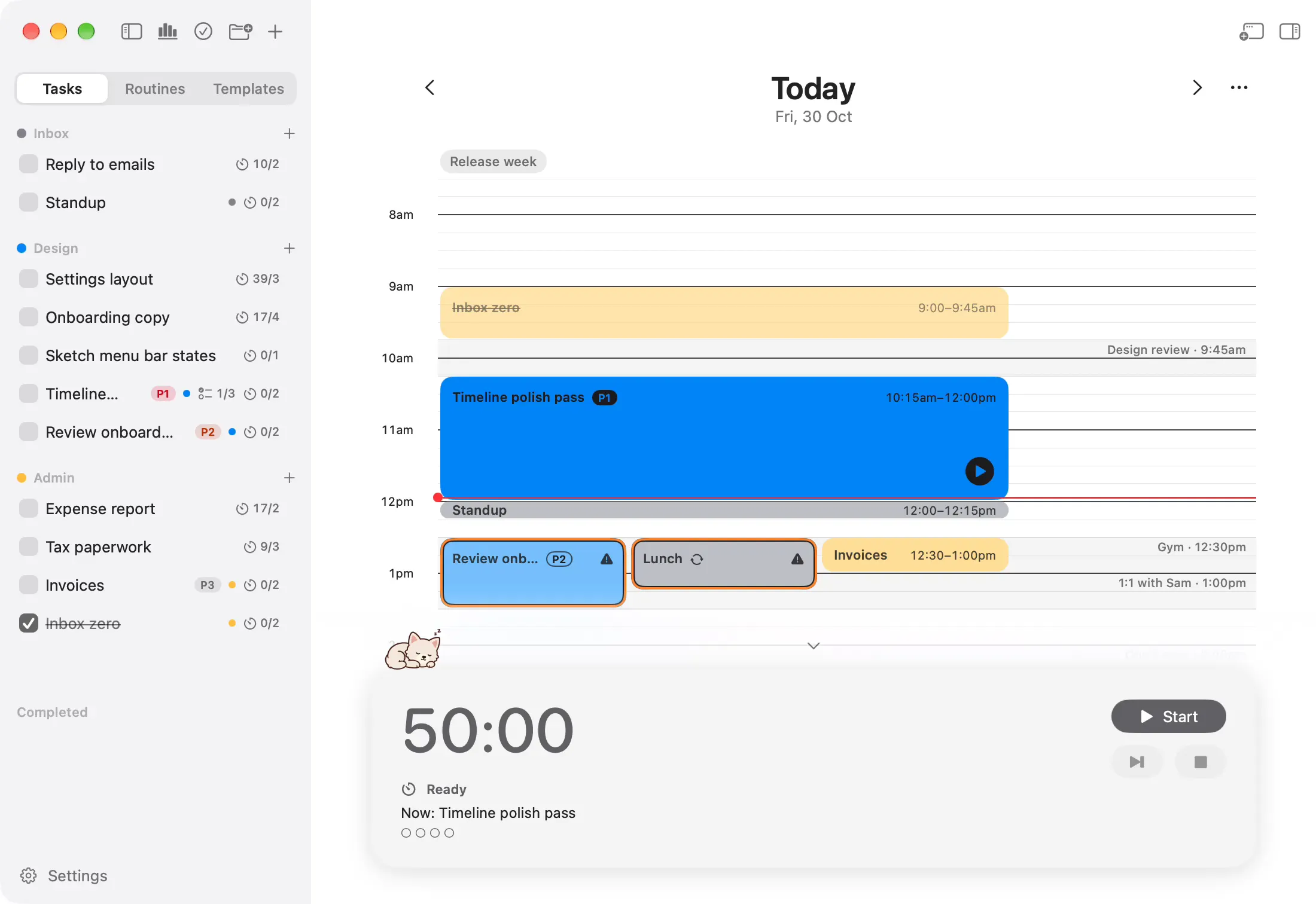
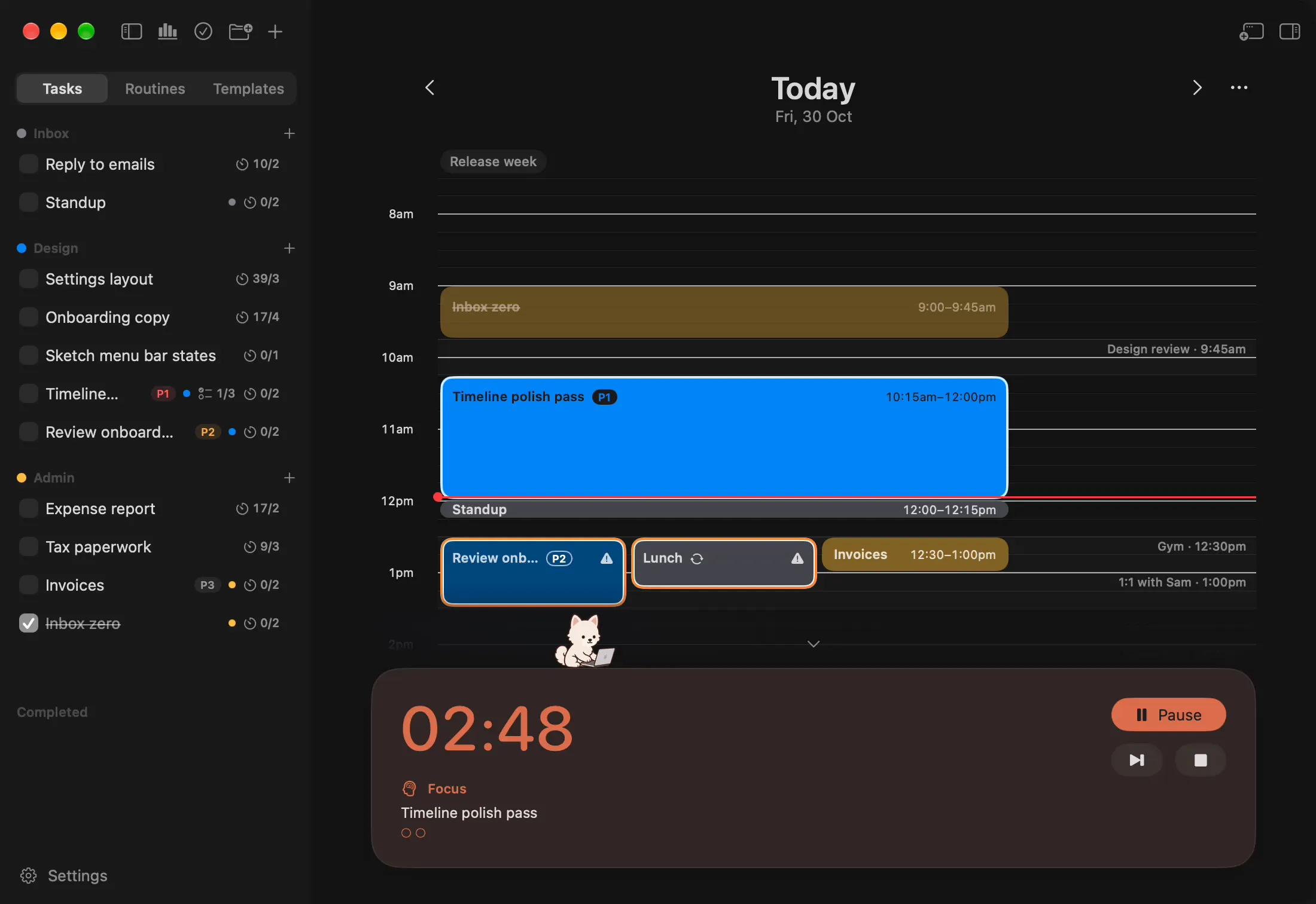
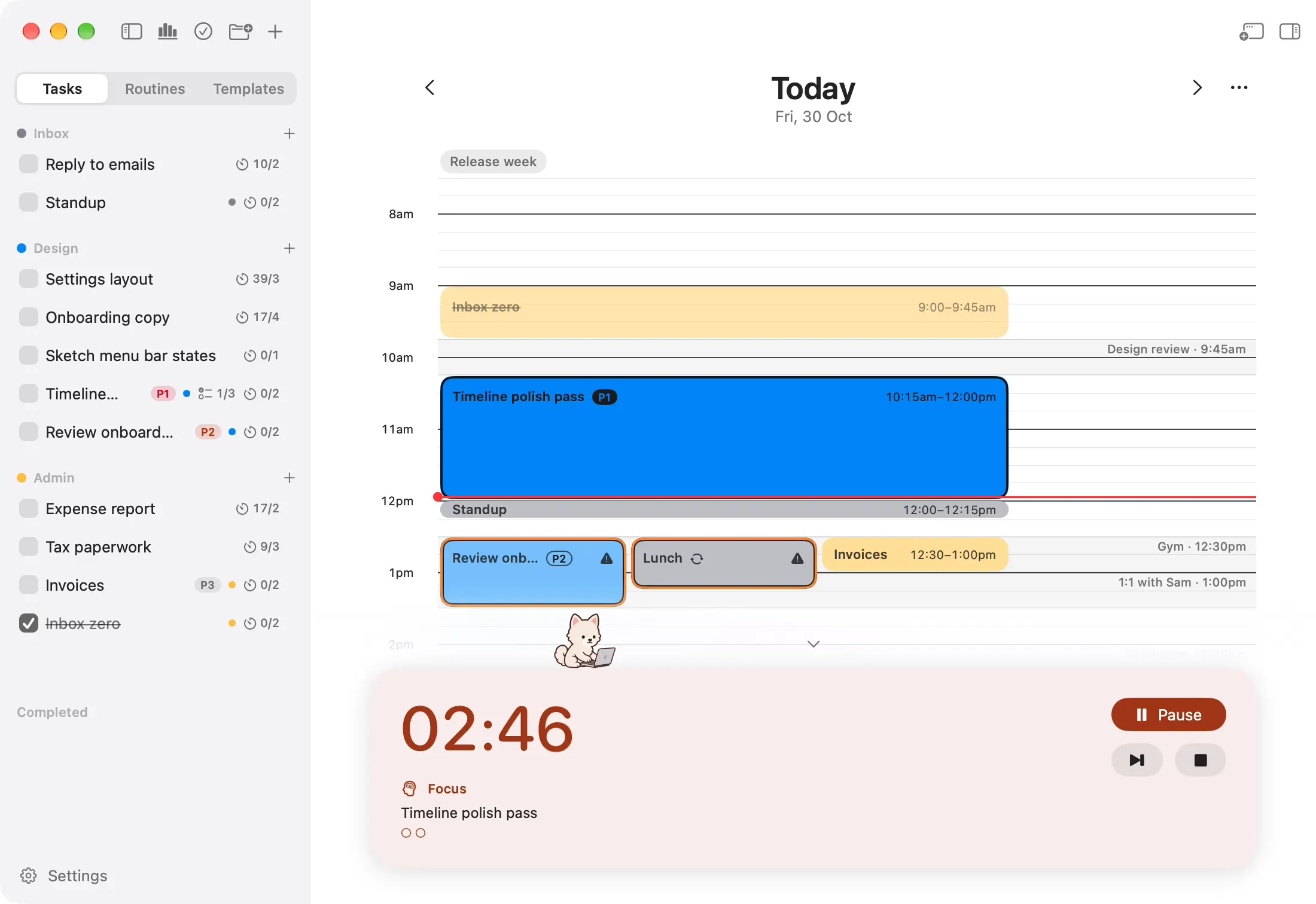
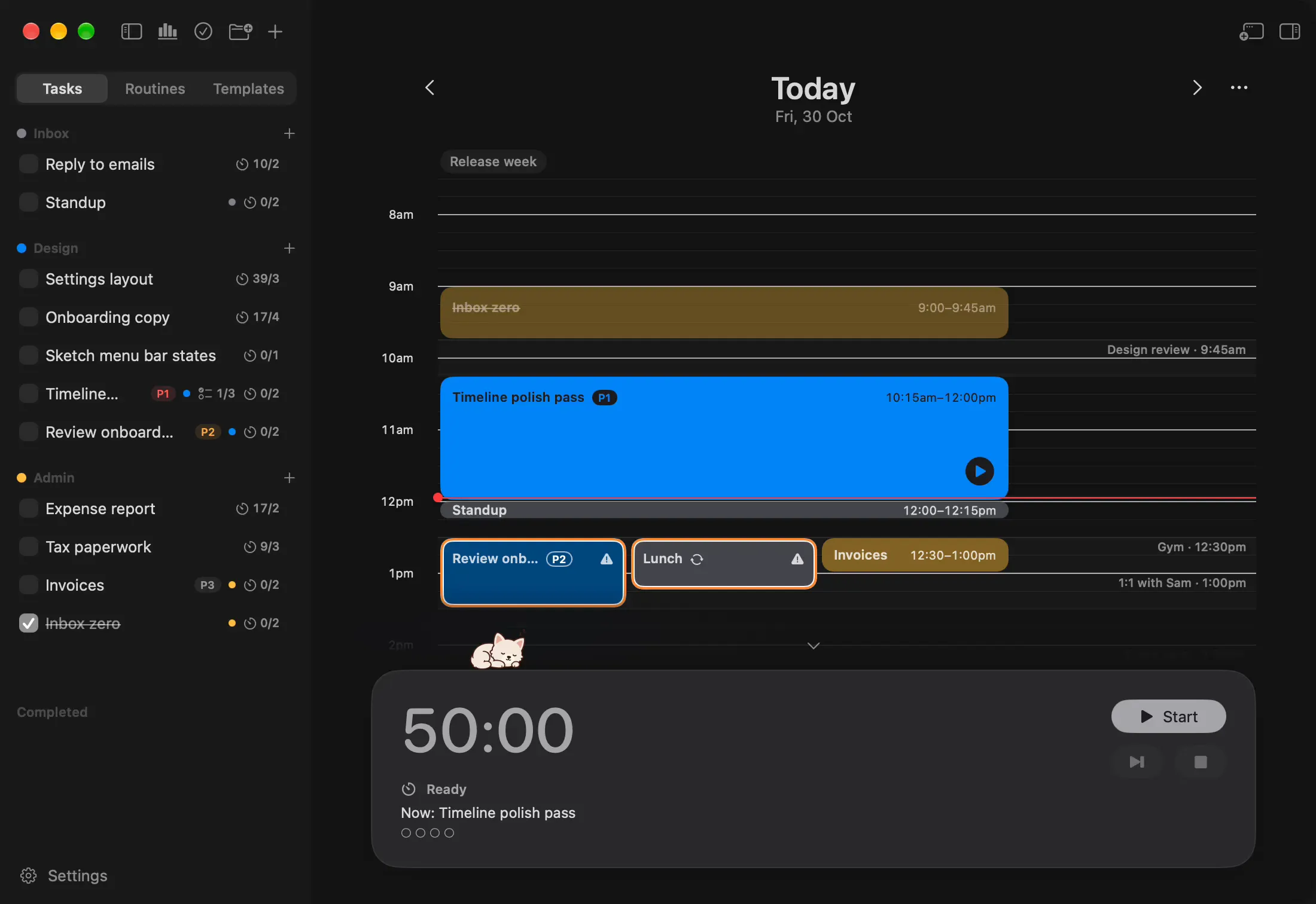
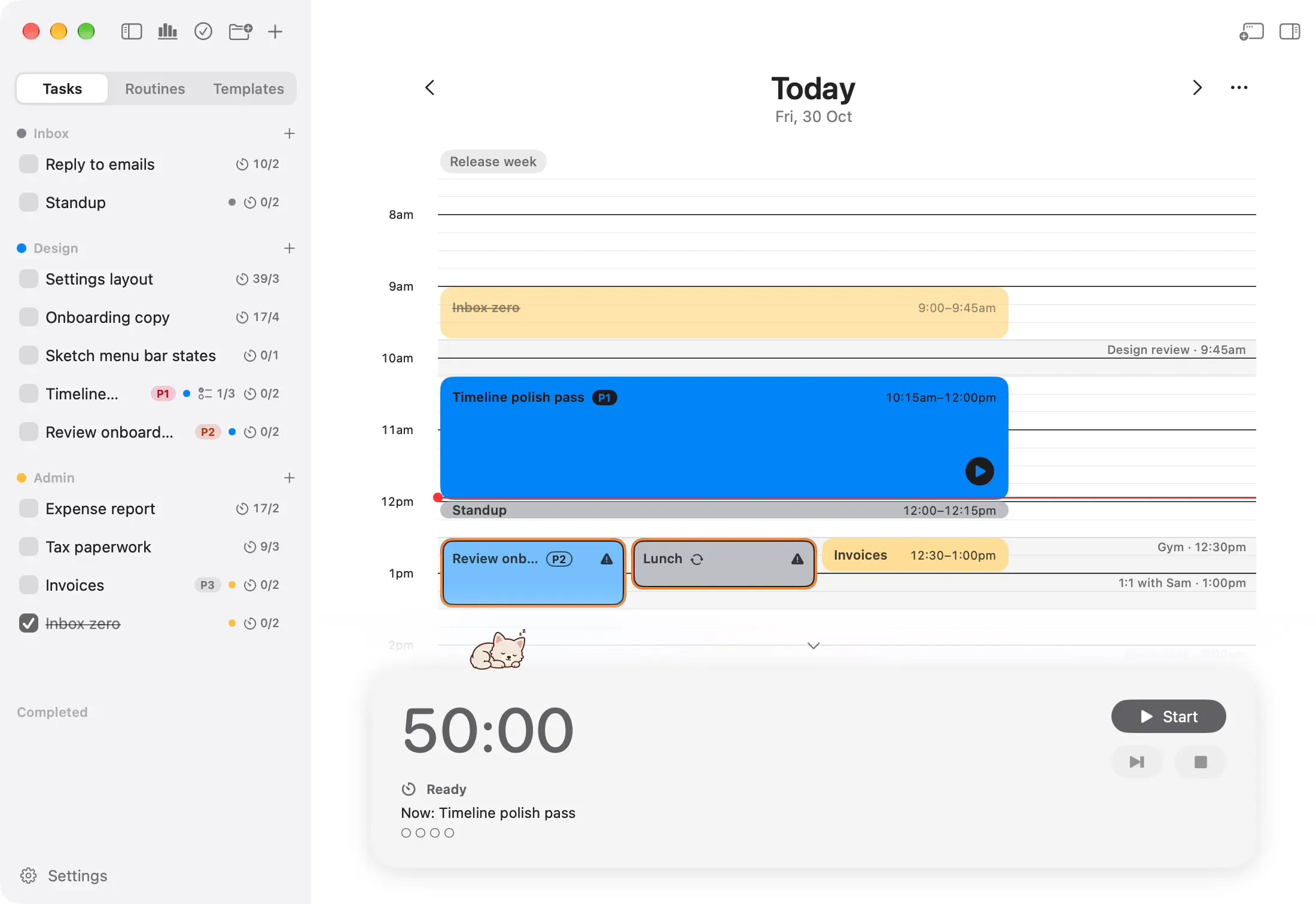
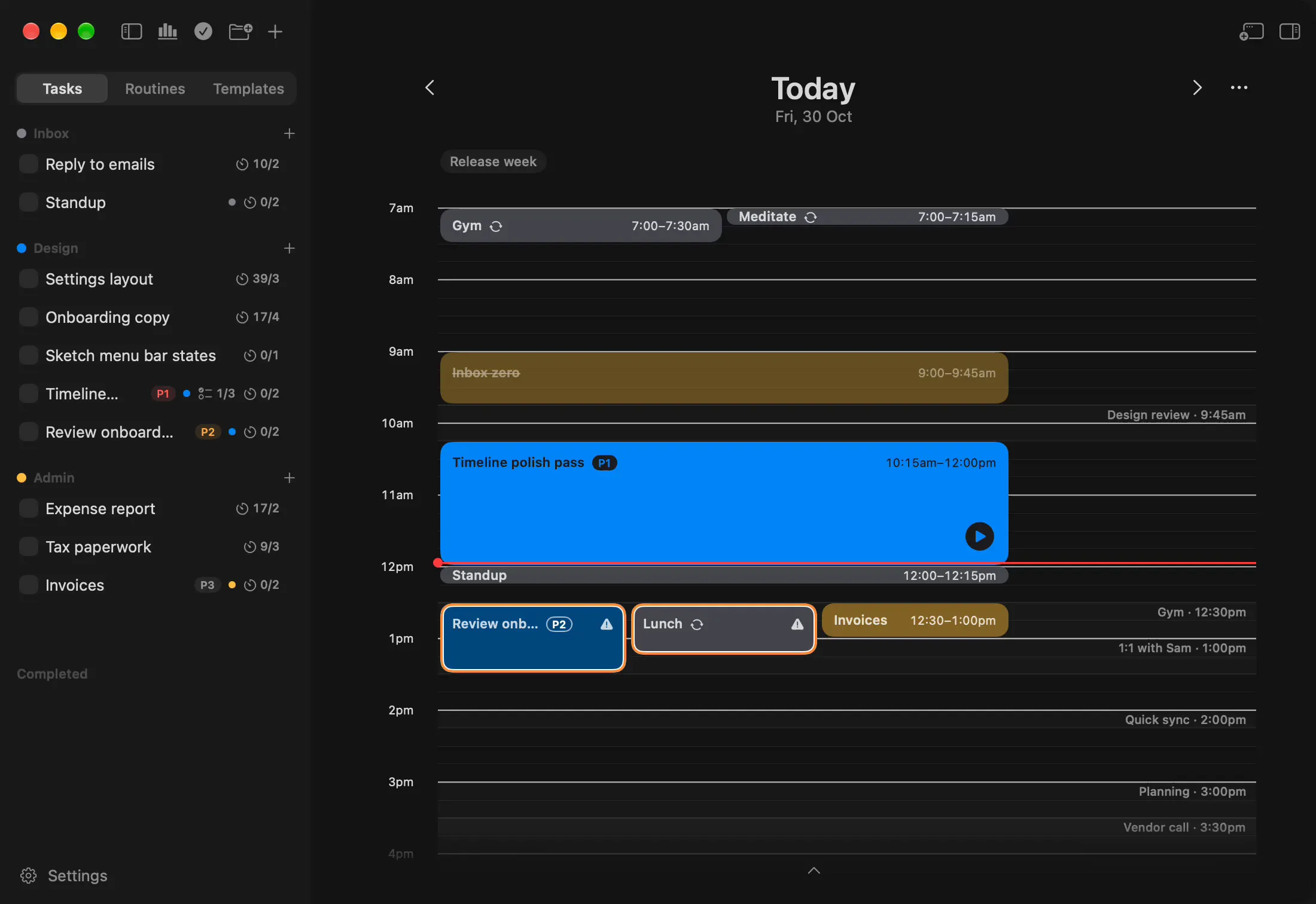
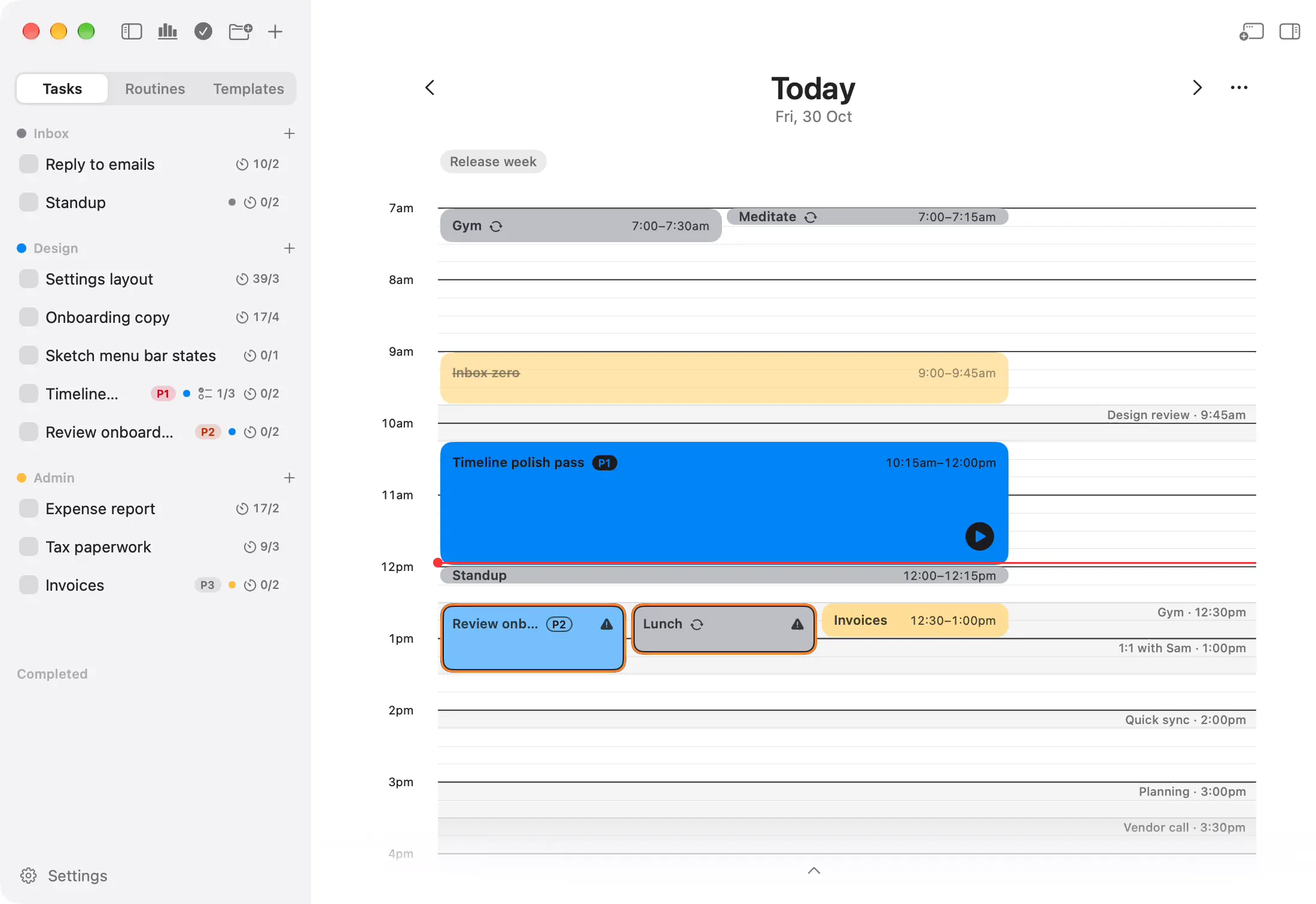
Timeline and time blocking. Your day as blocks on one timeline. Drag a task into a gap and it's planned, with a start and an end.
Create tasks. Type a task, give it a priority and a checklist, and it's ready to plan.
Task details. Click a task or a block and its details open beside your day: folder, priority, notes, checklist and focus sessions.
Organise into folders. Keep tasks in folders for each project or part of your life. Free keeps three active at a time.
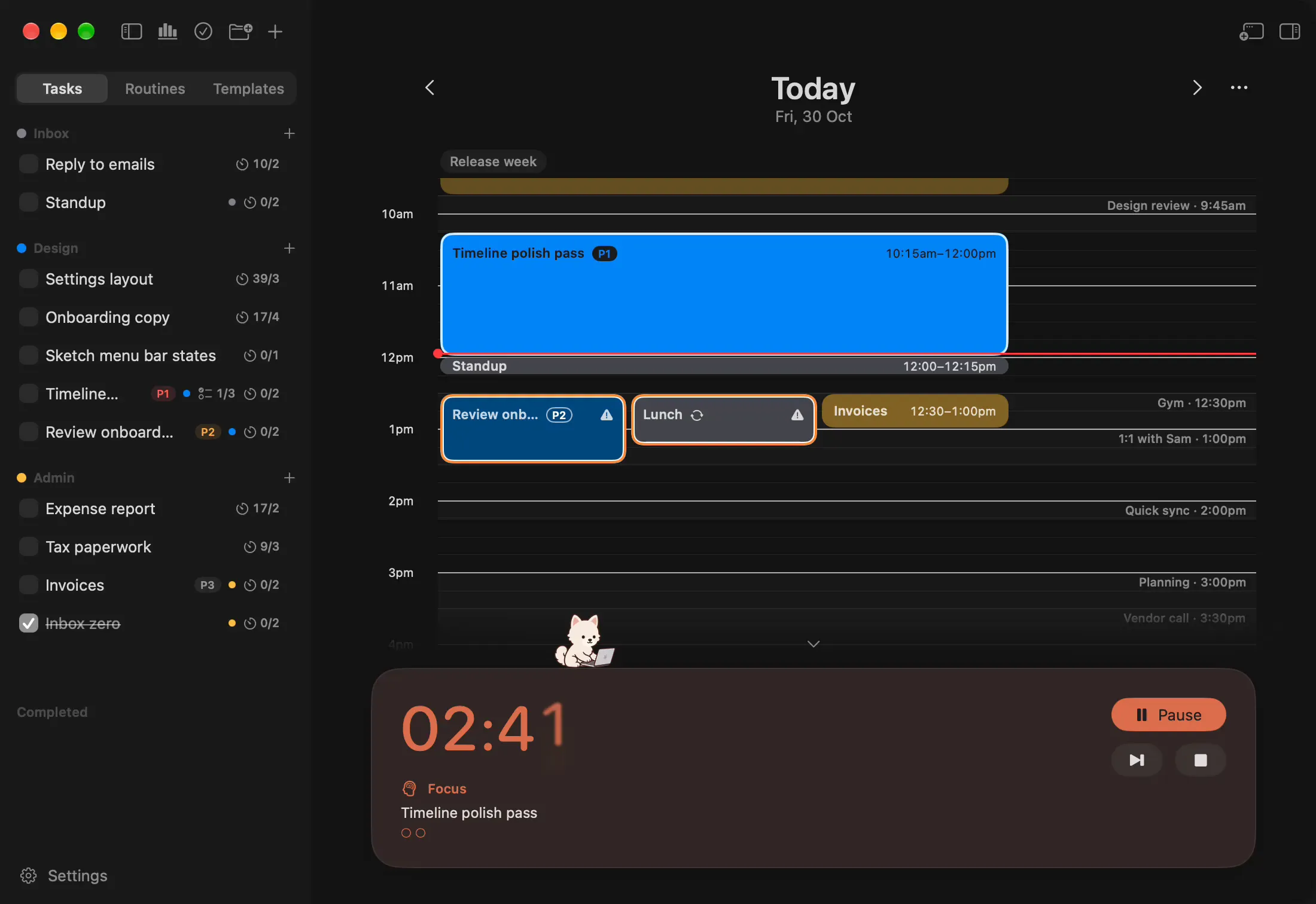
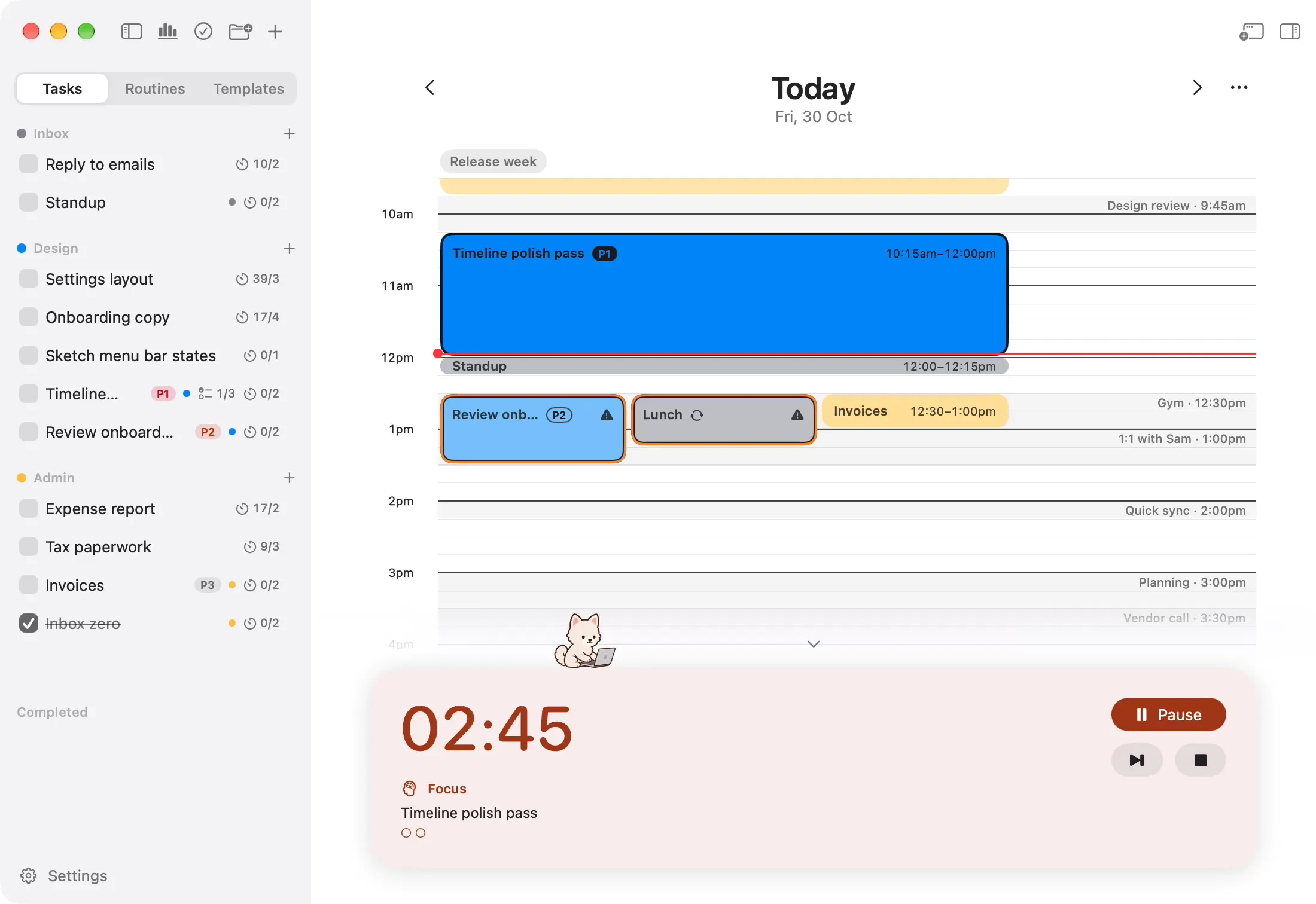
Focus timer. Press play on a block and the focus timer counts it down. Pause, skip or stop from the same card.
Menu-bar countdown. Switch to other work and the time left stays in your menu bar, in step with the timer.
Mochi. A small companion who works beside you while a block runs. Focus should feel like company, not pressure.
- Kept in your account
- Sign in with Apple or Google, and your tasks, folders and blocks are kept in your account.
- One Mac at a time
- Use Onjo on one Mac at a time.
- Made for the Mac
- Native for macOS 26 or later, on Apple silicon and Intel.
What Pro adds
Add the launch post to my Design folder: a draft, the screenshots and a final read.
Here's what I'd add to Design:
- Draft the launch post: P1, 50 min, three steps
- Take the screenshots: P2, 25 min
- Final read of the post: 25 min
Shall I add them?
Yes, add them.
- Added Draft the launch post
- Added Take the screenshots
- Added Final read of the post
Done. All three are in Design, ready to drag onto your day.


























































































Your calendar on the timeline. Your calendar's meetings sit on the timeline, so your blocks fit the real gaps in your day.
Routines. Set a routine up once, choose its days, and it lands on your timeline on its own.
Day templates. Save a good day as a template, and lay it onto another in one move.
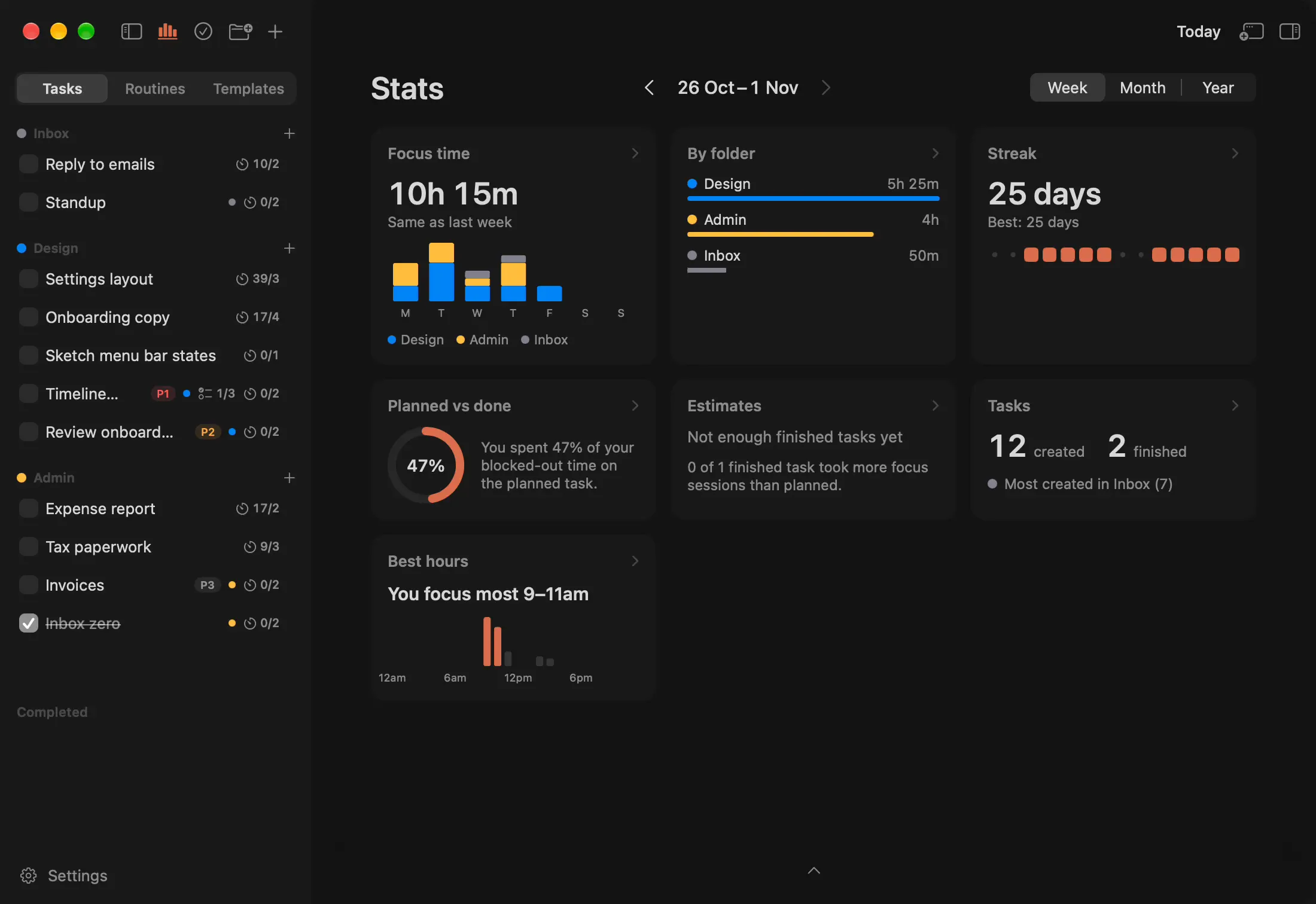
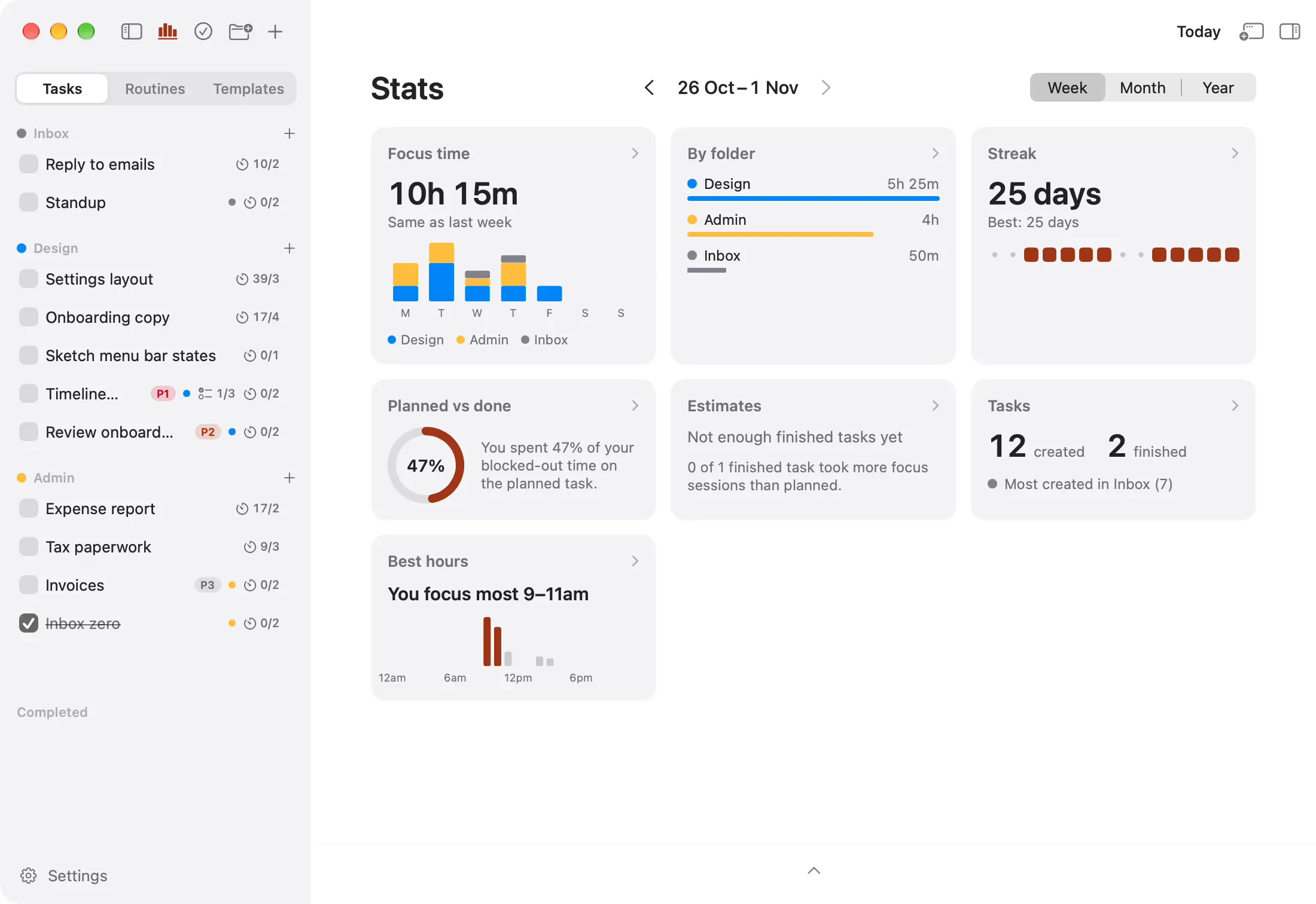
Focus stats. Stats on your focus, so you can see how your days add up.
The Claude connection. Ask Claude Desktop or Claude Code to add tasks or plan tomorrow. Your day only changes when you say yes.
More focus buddies. Mochi has nine friends. Pick who keeps you company while you focus.
- Unlimited folders
- As many active folders as you need.
- Every Mac you sign in on
- Pro belongs to your account, so it's on wherever you sign in.
Give your day a rhythm.
Onjo is free for Mac. Sign in with Apple or Google and your plans are kept safe in your account.