Claude Desktop
- Click Add to Claude Desktop.
- Claude Desktop opens and asks whether to install Onjo. Click Install.
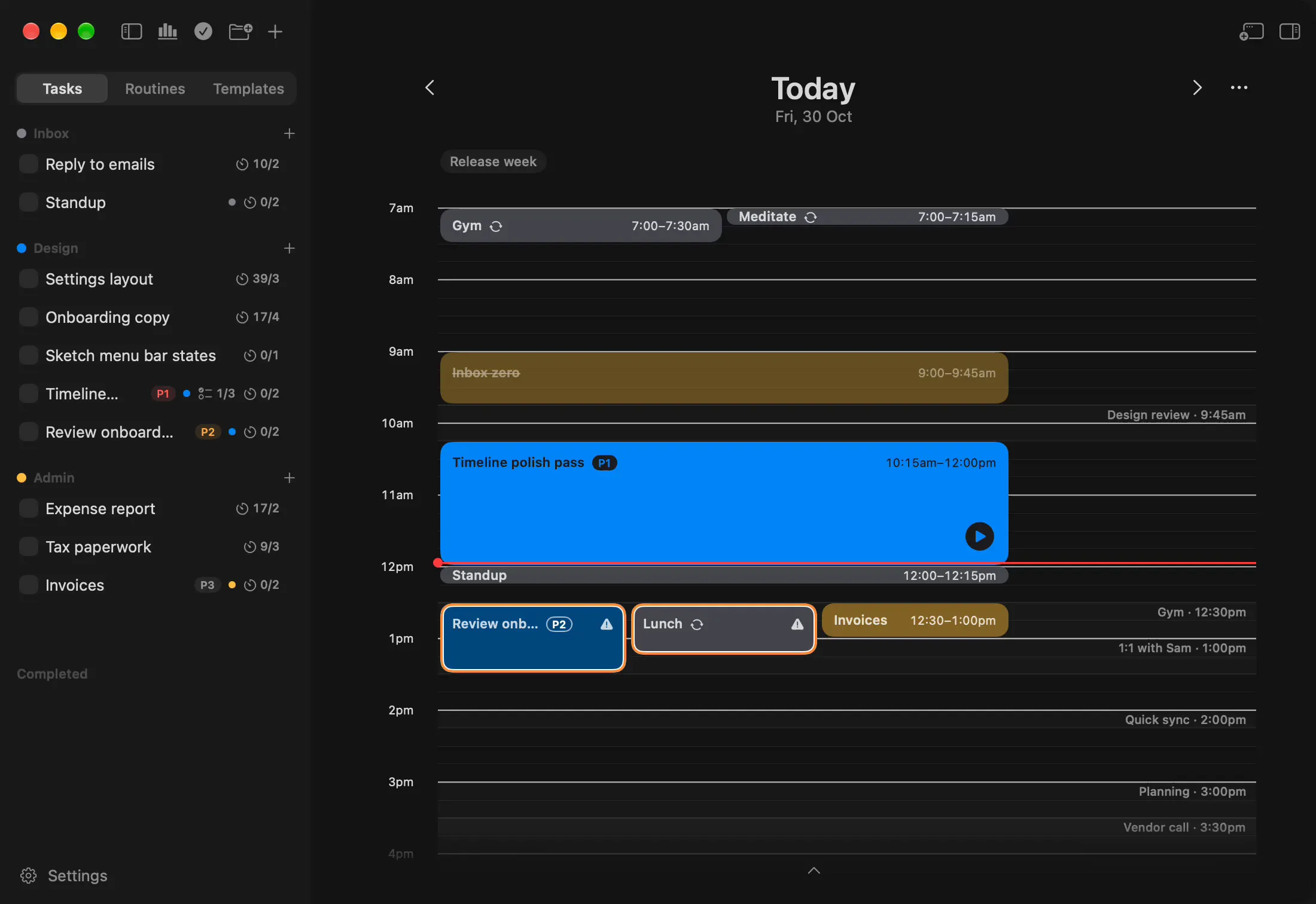
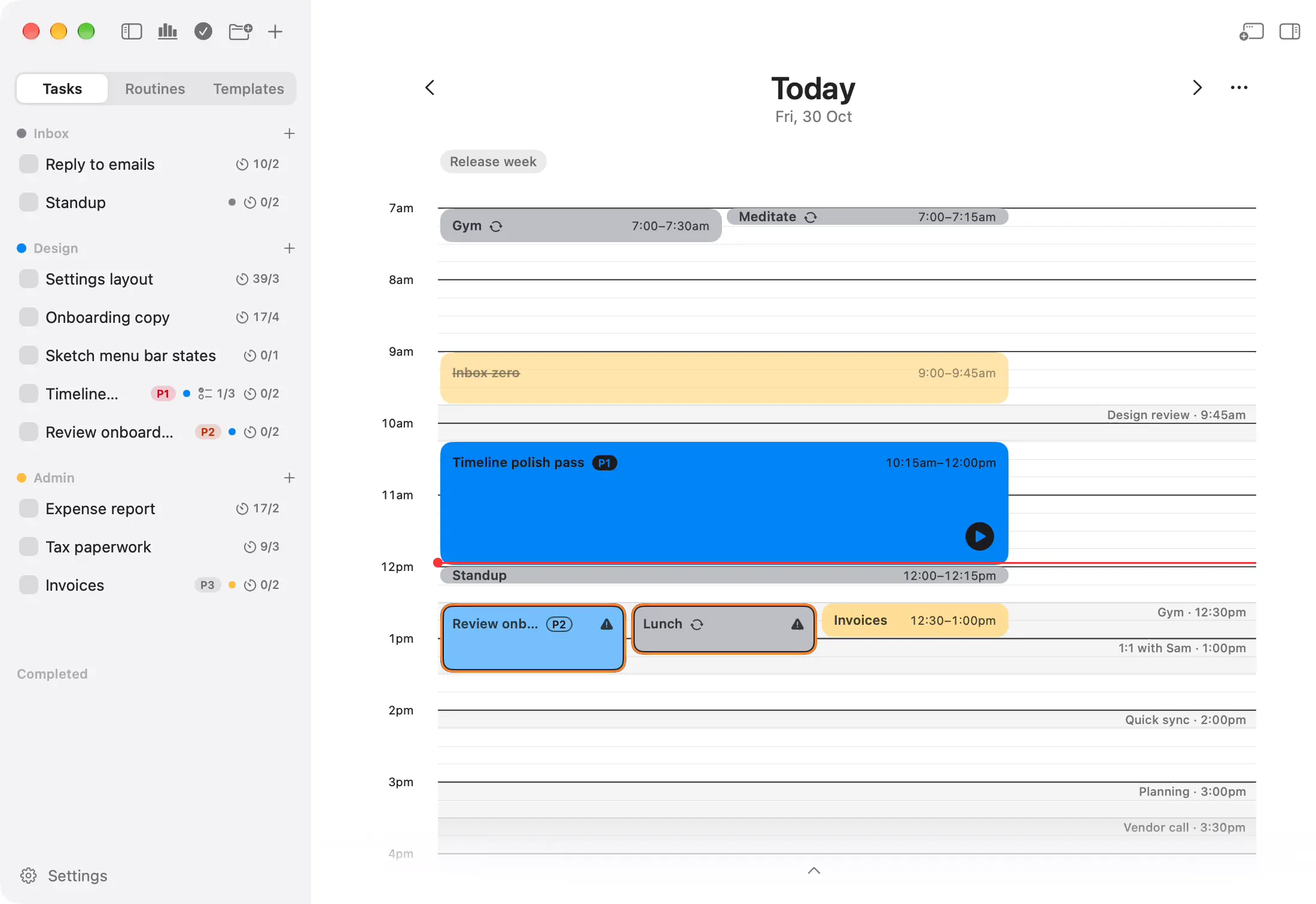
- Ask Claude “What's on my timeline today?”
Onjo connects to Claude Desktop and Claude Code on your Mac. Ask Claude to add tasks, look over your day or rearrange it, and it shows you the plan first. Part of Pro.
Add the launch post to my Design folder: a draft, the screenshots and a final read.
Here's what I'd add to Design:
Shall I add them?
Yes, add them.
Done. All three are in Design, ready to drag onto your day.
“What's on my timeline today?”
Reads your day, and your meetings when Calendar is on.
“Add the launch post to Design: a draft, the screenshots and a final read.”
Adds one task with a checklist, ready to drag onto your day.
“Which Admin tasks haven't I planned yet?”
Looks through your folders and the days your tasks are on.
“Move my writing block to 9 and push the rest back.”
Shows each block's new time, and moves them after your yes.
“Tomorrow clashes with my 2pm. Can you fix it?”
Finds the block over the meeting and suggests a new time.
“Put renewing my passport in the Inbox, about 20 minutes.”
Adds it to your Inbox with an estimate, unscheduled.
You need Onjo Pro, or its 14-day trial, and Claude Desktop or Claude Code on the same Mac. In Onjo, open Settings › Claude and choose your app.
/mcp to check Onjo is listed, then ask what's on your timeline today.Yes, the Claude connection is part of Pro. Every new account gets 14 days of Pro to try it, and Pro is bought once.
Yes. Onjo doesn't include Claude: you use Claude Desktop or Claude Code, signed in with your own Claude account.
Claude is told to show you every move and wait for your yes before it moves a block. Even then it can only add unscheduled tasks and move blocks within a day. It can't delete anything or tick anything off.
The connection runs entirely on your Mac, and none of it passes through our servers. What Claude reads from Onjo becomes part of your conversation with Claude, which Anthropic's privacy policy covers. More in ourprivacy policy.
Yes. Onjo has a small MCP server, onjo-mcp, built into the app. Claude Desktop installs it as an extension in one click, and Claude Code adds it with one command.
Onjo is free for Mac. Sign in with Apple or Google and your plans are kept safe in your account.